Netz by waiyers
Watch the network work.
Open a page, see the packets move. Every protocol is an animation you can pause, step and break, with the real bytes of each packet beside it.


01
58 protocols
Ethernet to QUIC, DNS to BGP, Wi-Fi to WireGuard, step by step.
02
46 system designs
Raft, sharding, payments, feeds: each with its own animation.
03
Nothing to install
In the browser, in English and French; it keeps working offline.
Every protocol, as it happens.
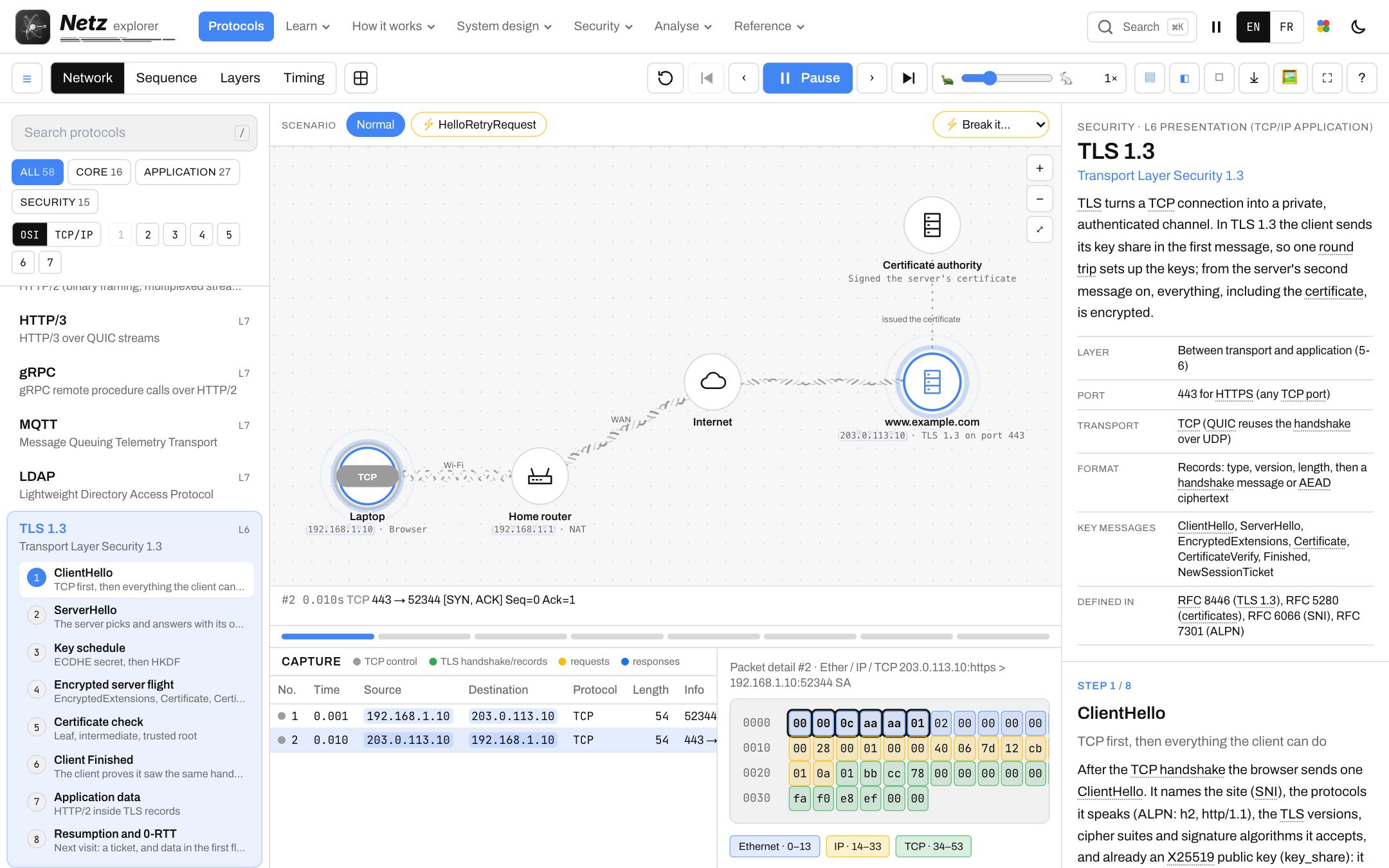
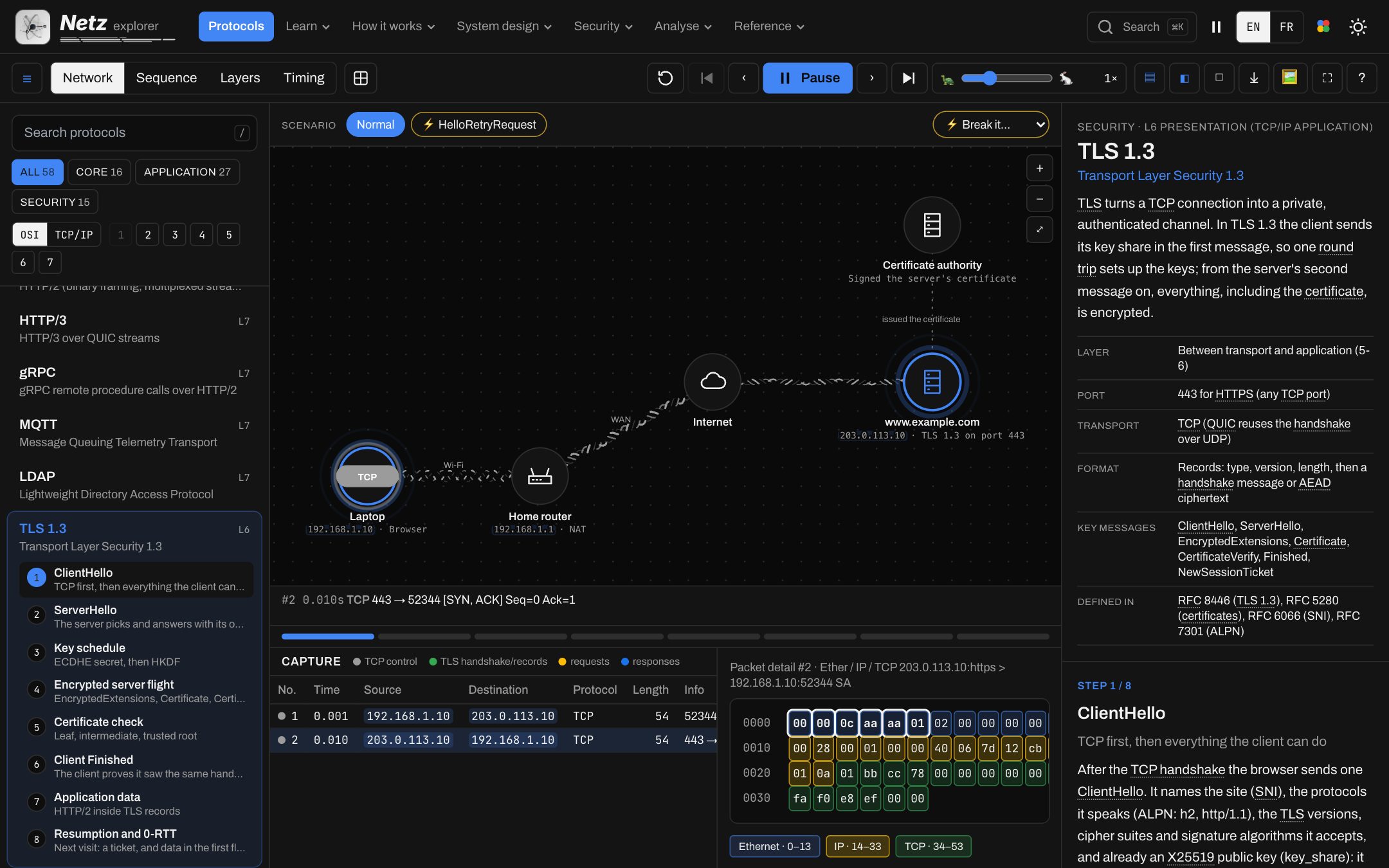
Pick a protocol: the packets leave the laptop, cross the router and reach the server while the capture fills in. Pause on any packet to read its fields, byte by byte.
P.01
Real bytes
Each packet's hex, its layers coloured, every field named.
P.02
Break it
Lose a packet, expire a certificate, refuse a handshake: see what fails and why.
P.03
Scenarios
The normal run beside the edge cases: retries, resumption, 0-RTT, attacks.
P.04
Your pace
Play, pause, step forward and back, slow down to a crawl.
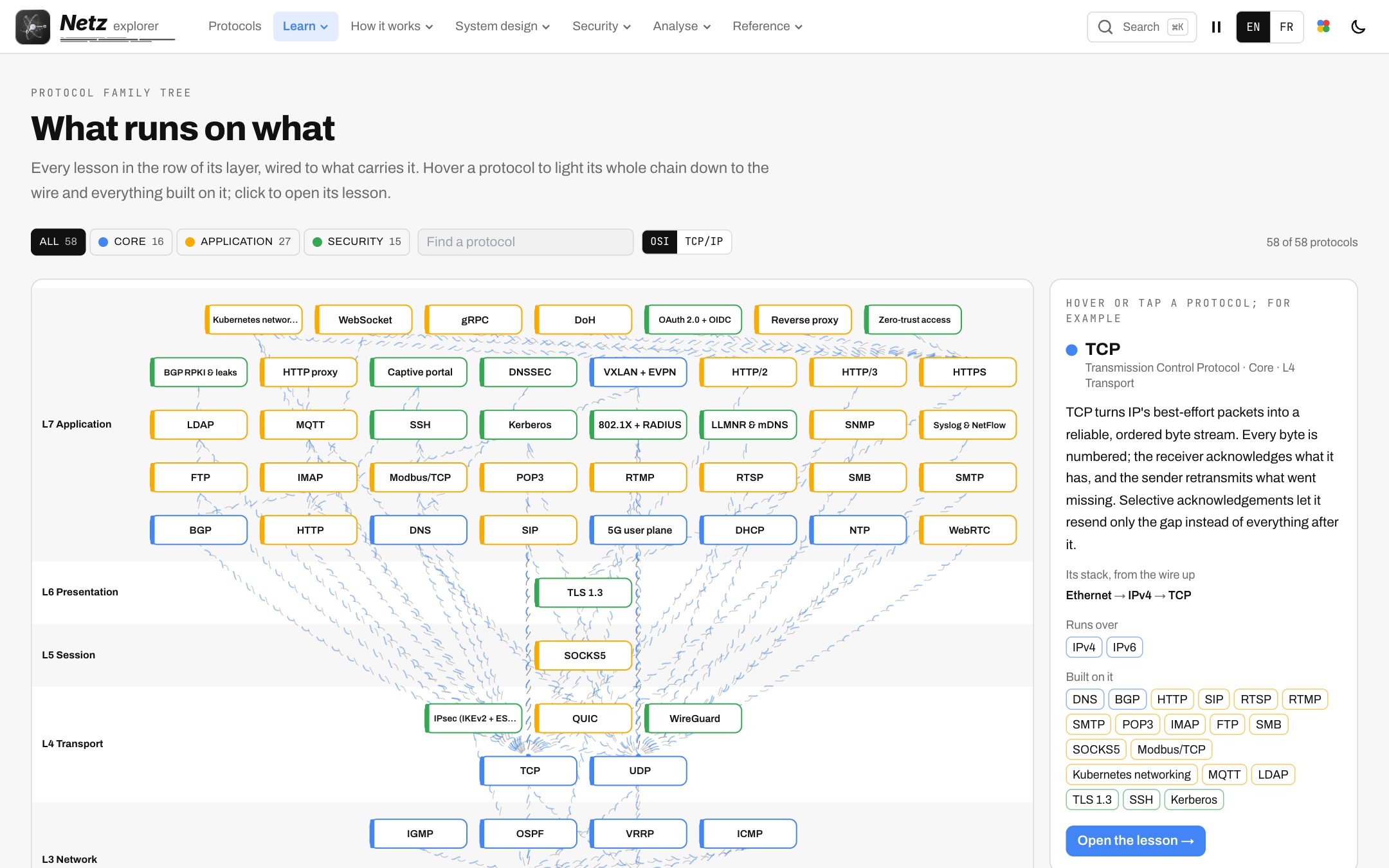
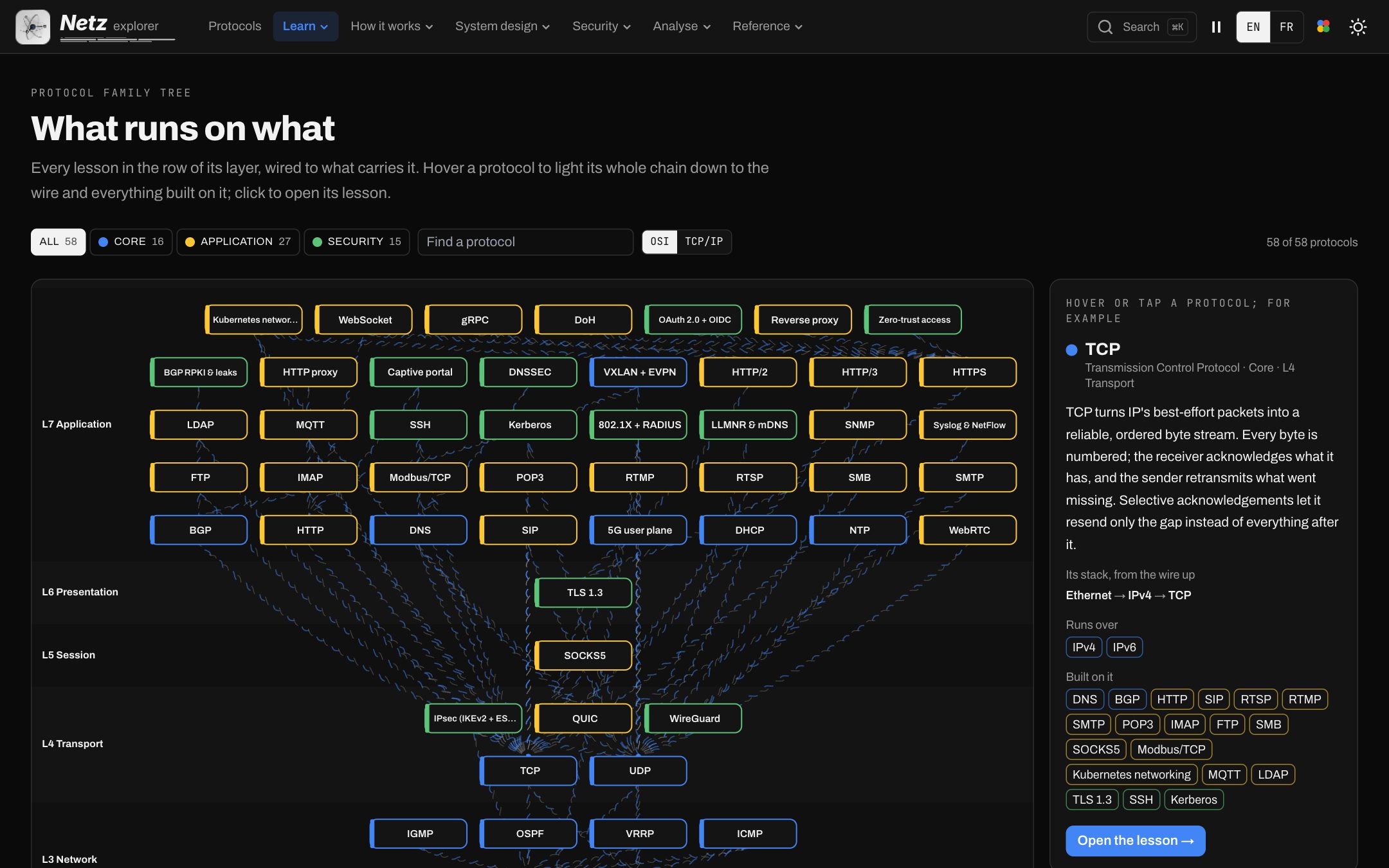
- Ethernet, ARP, IP, IPv6, ICMP
- TCP, UDP, QUIC
- DNS, DHCP, NTP
- HTTP, HTTP/2, HTTP/3, WebSocket, gRPC
- TLS, SSH, IPsec, WireGuard
- Wi-Fi, WPA2, WPA3, 802.1X
- SMTP, IMAP, POP3
- BGP, VXLAN, 5G user plane
- SIP, RTSP, RTMP, WebRTC
- MQTT, Modbus, LDAP, SMB
Several windows, one clock.
The same moment shown in each window: the network map, the sequence diagram, the layers and the timing. Point at a device in one and it lights up in all the others.
Step 01
Network
Devices, links and the packet in flight.
Step 02
Sequence
Who sends what to whom, in order.
Step 03
Layers
What each layer adds and removes on the way.
Step 04
Timing
Round trips and waits on a time axis.
How it worksV.02
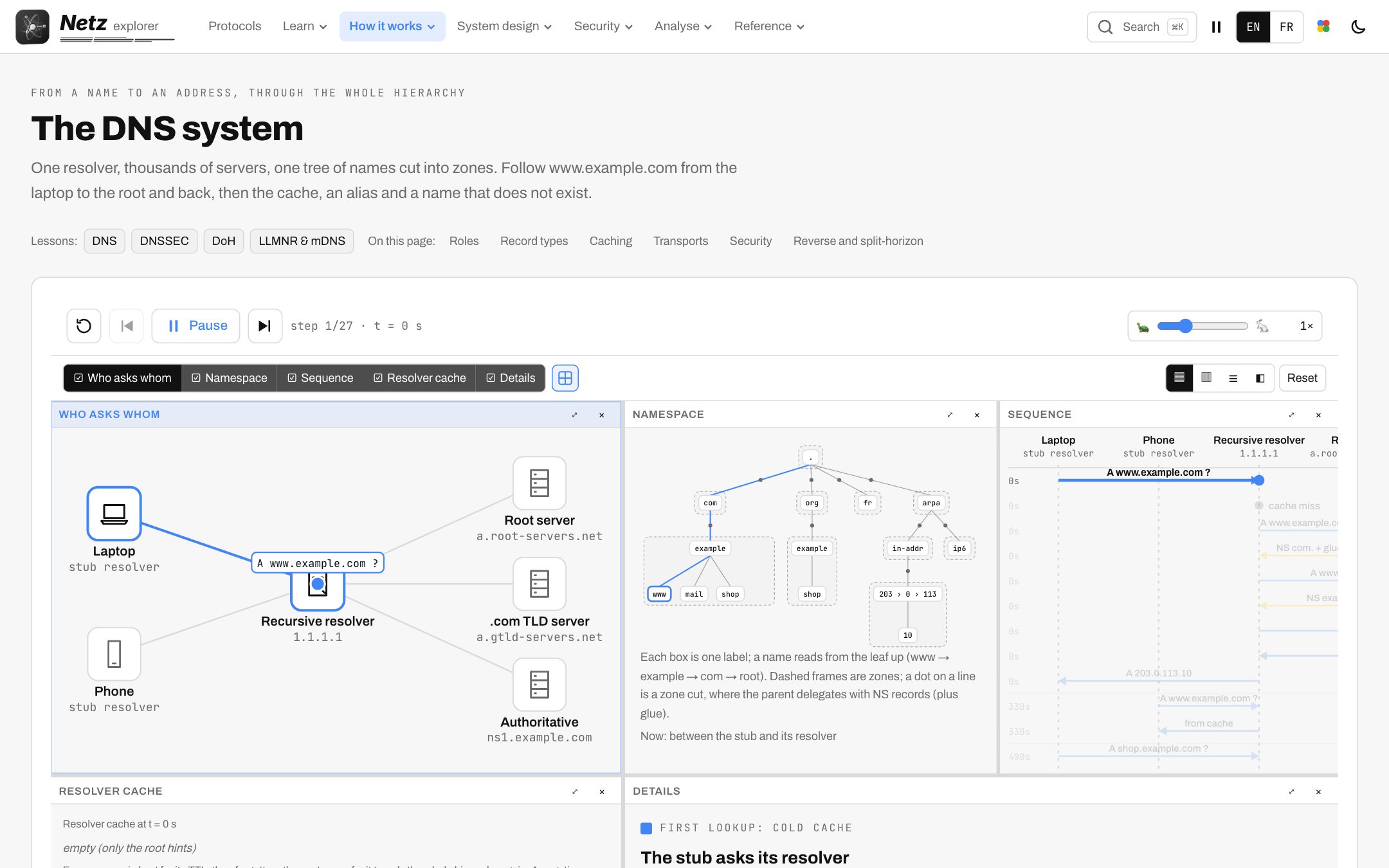
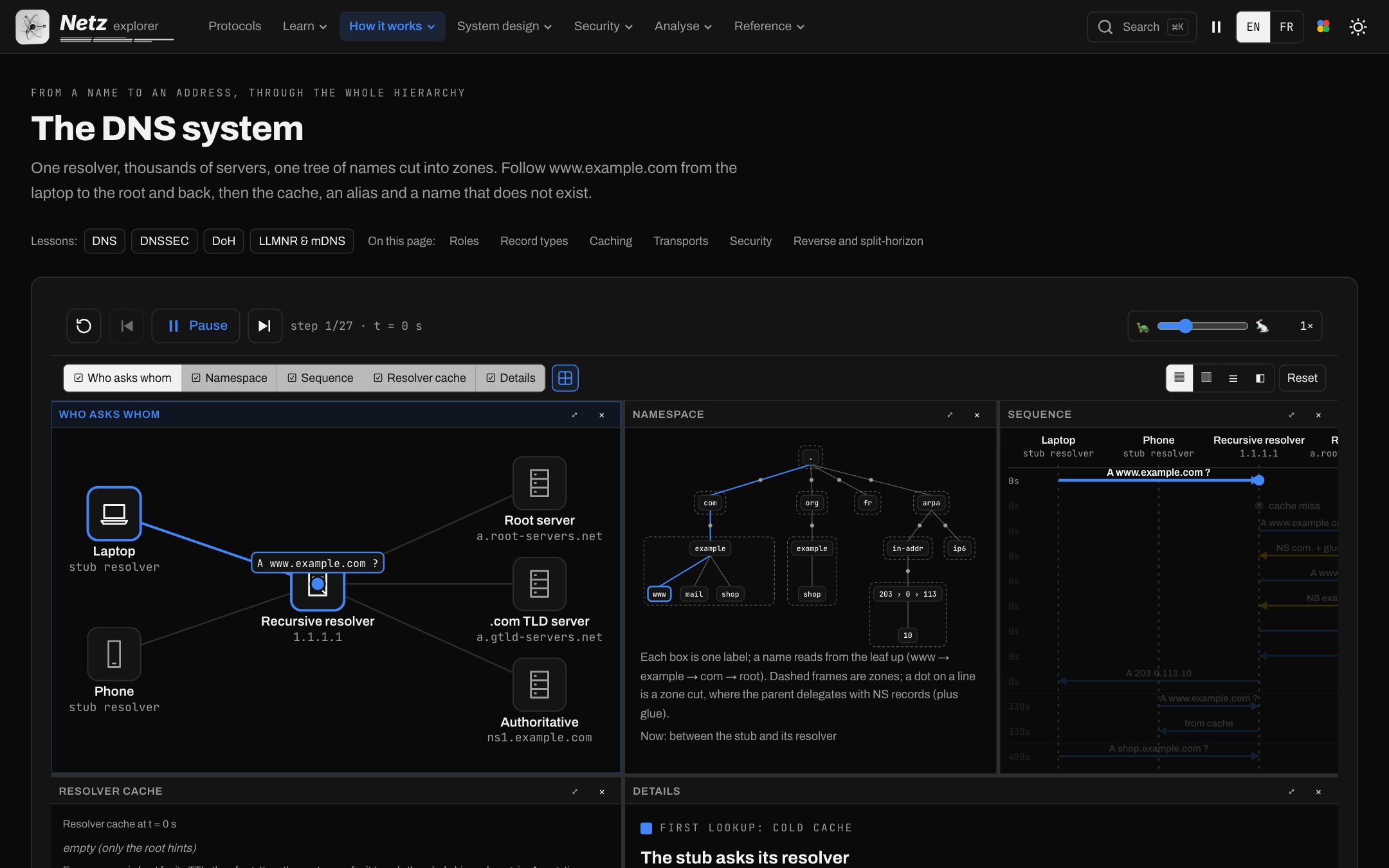
DNS, end to end
The resolver's path, the namespace, the sequence and the cache in one view.
How it worksV.03
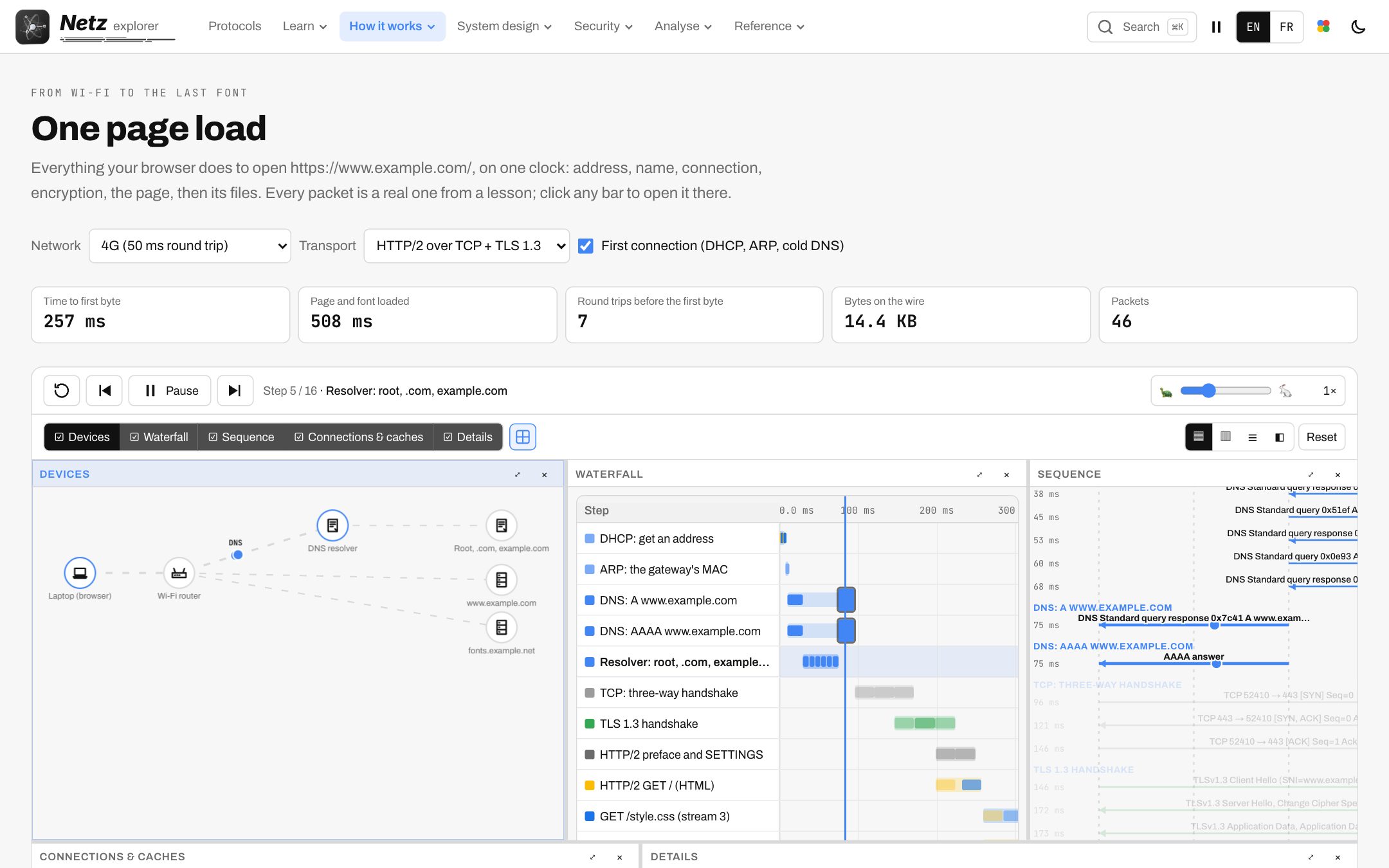
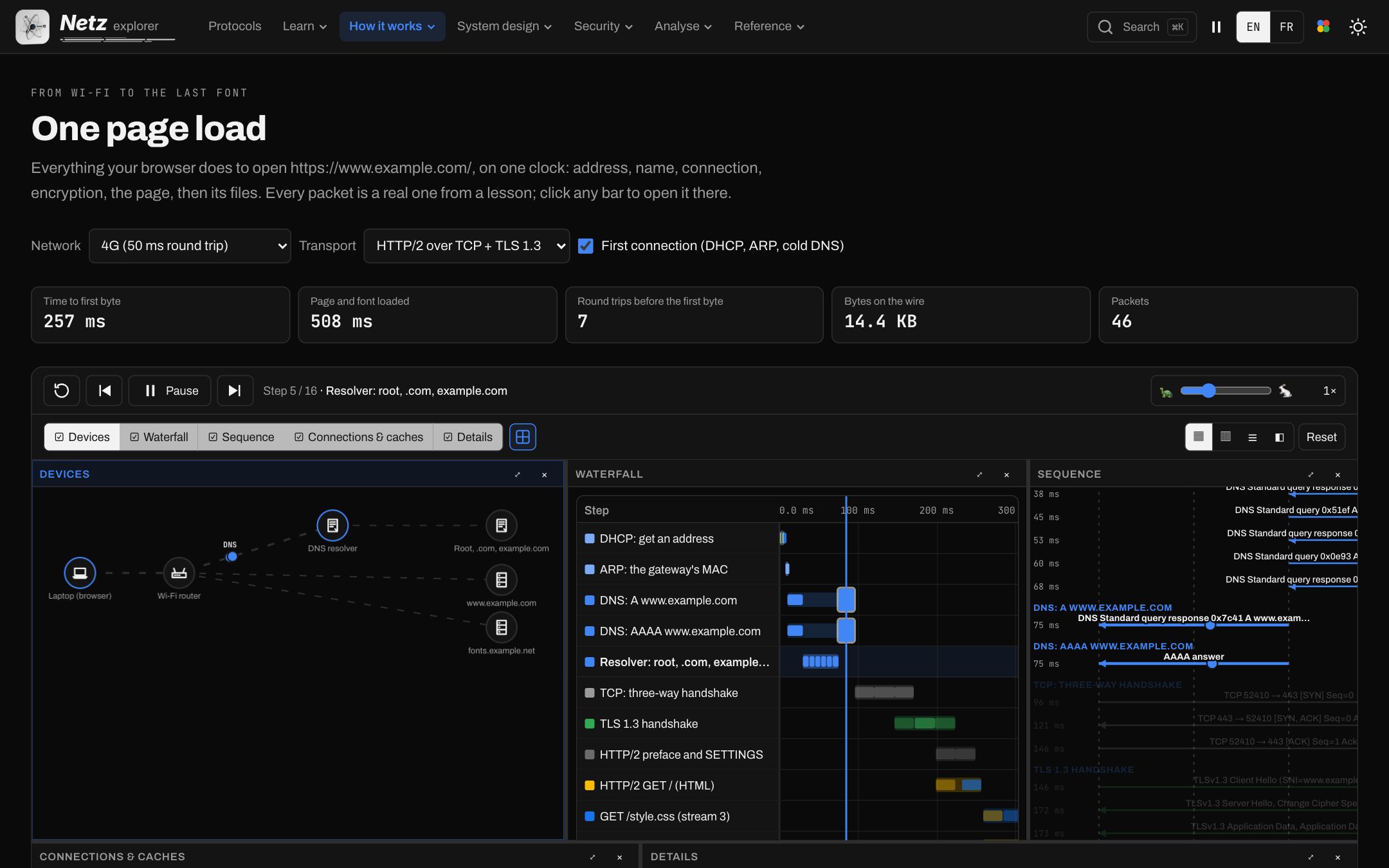
What a page load does
DNS, TCP, TLS and HTTP of one visit, as a waterfall and a sequence.
How it worksV.04
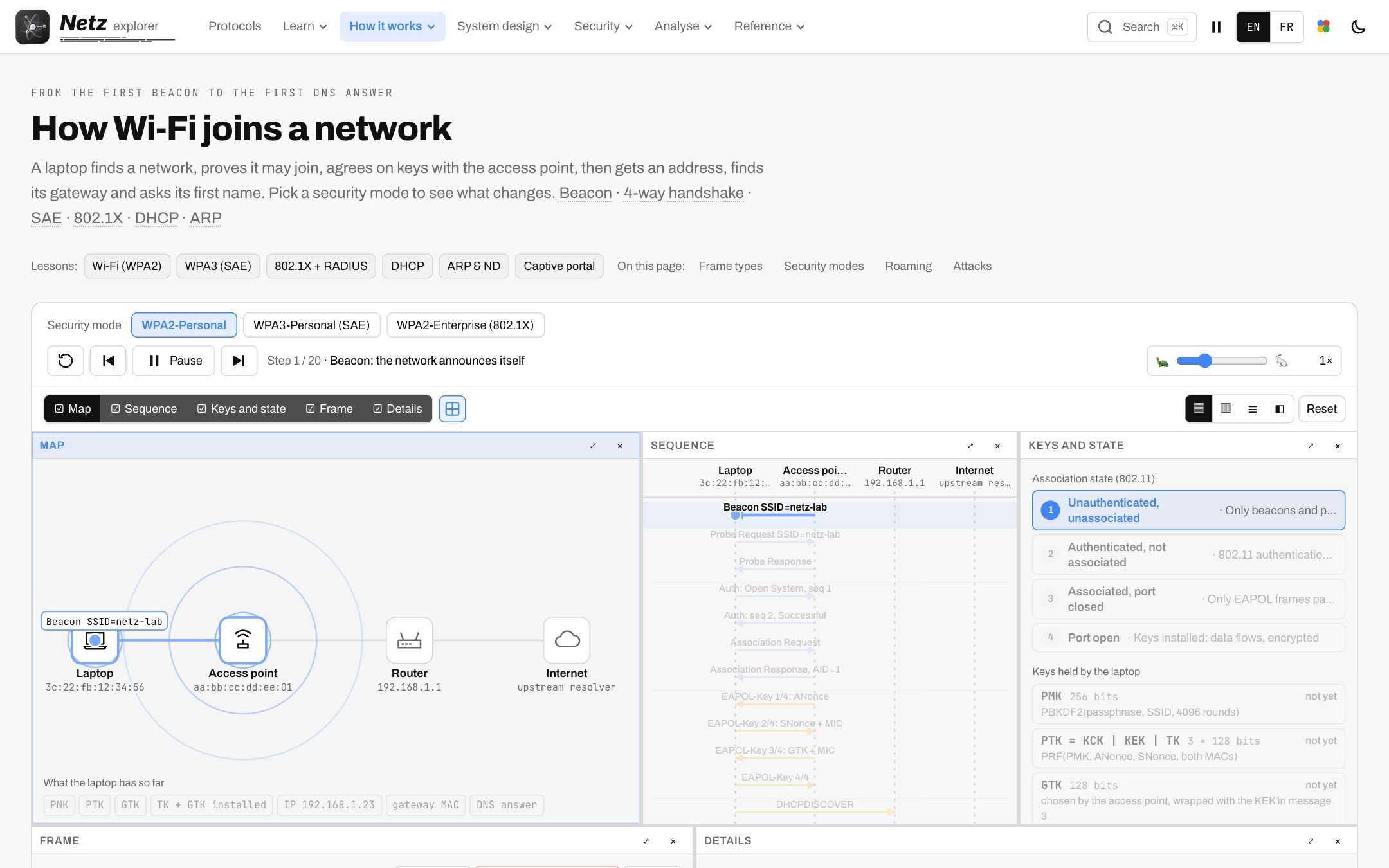
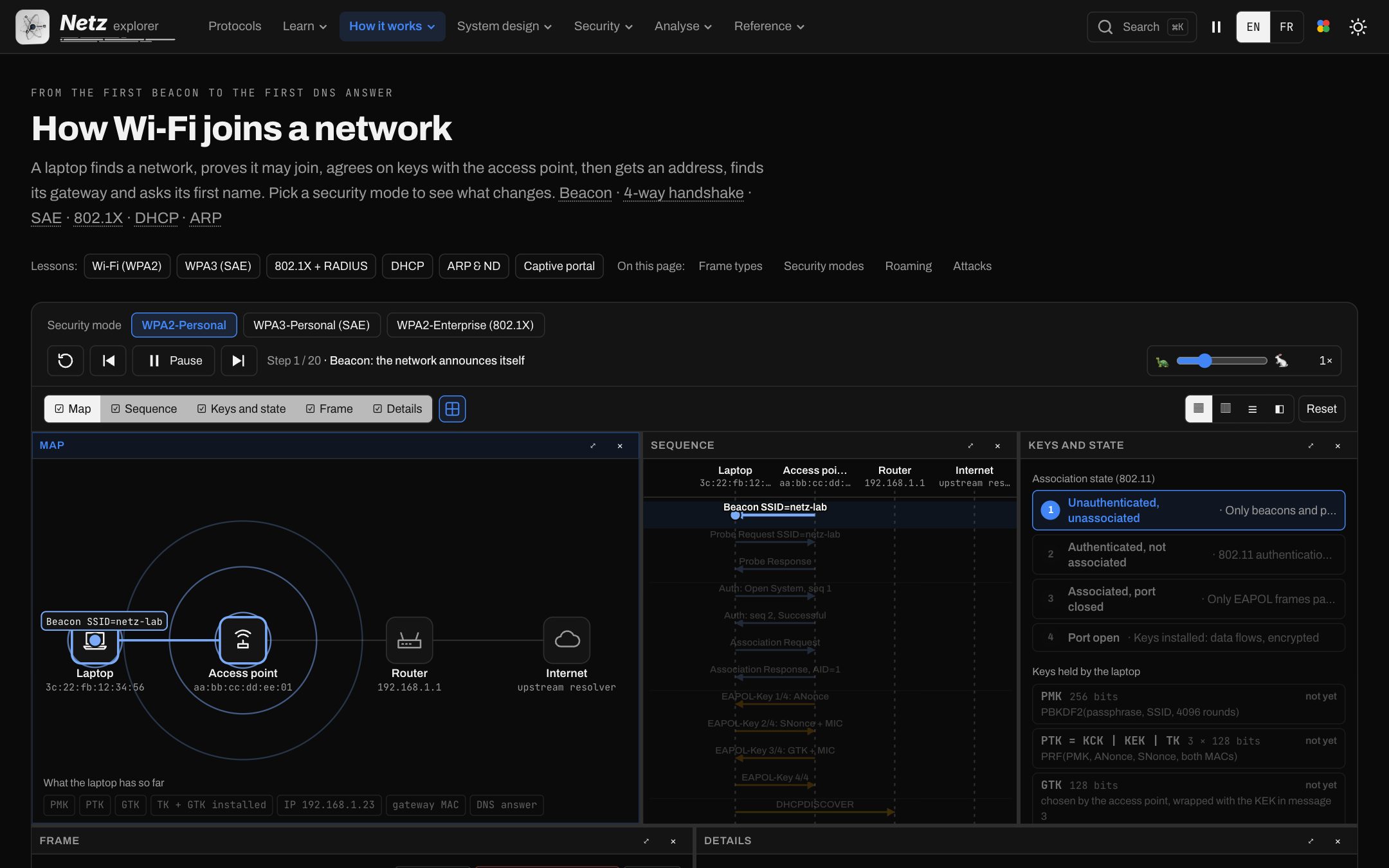
Joining a Wi-Fi network
Scan, authenticate, the four-way handshake, then the first frames.
From one packet to whole systems.
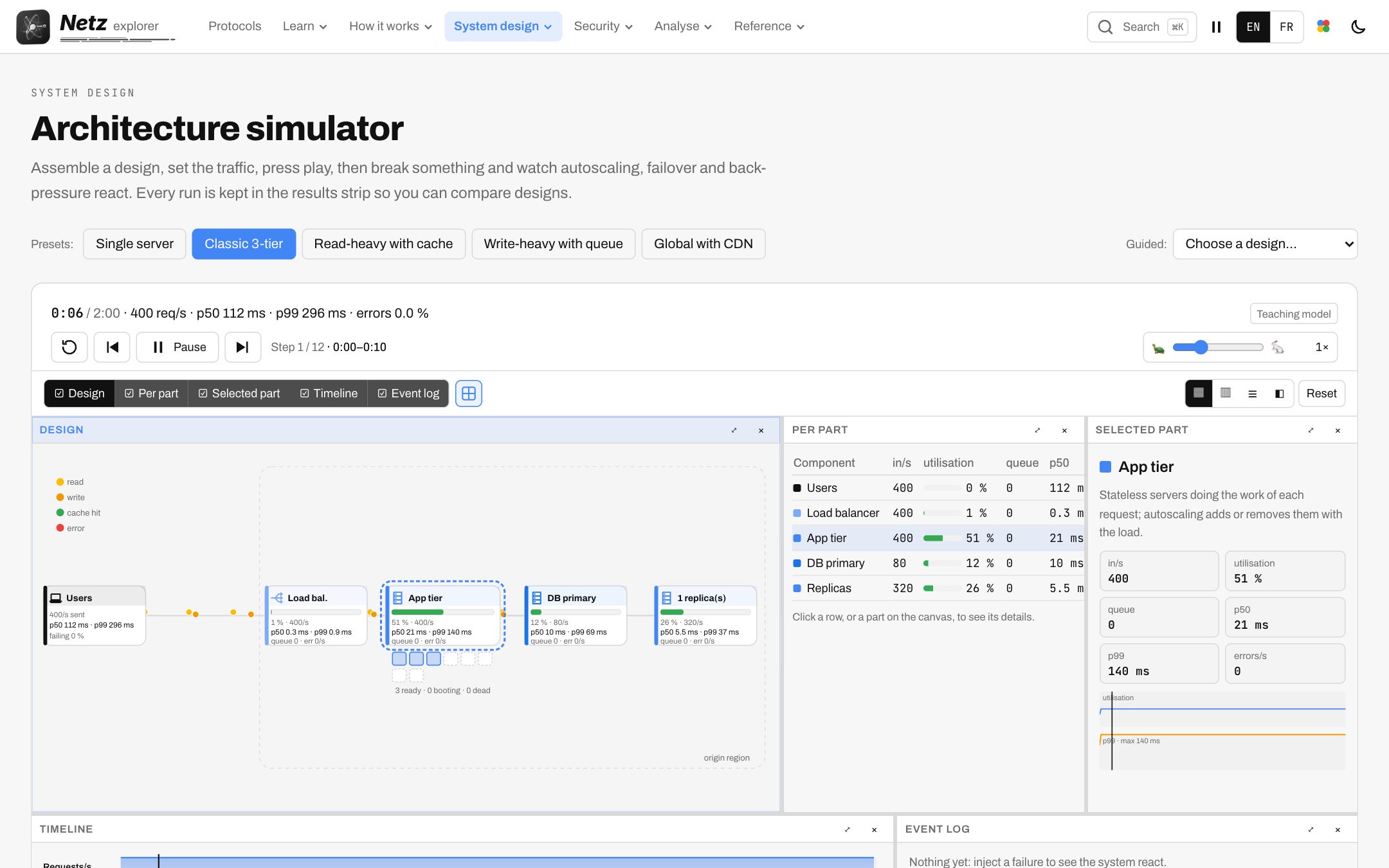
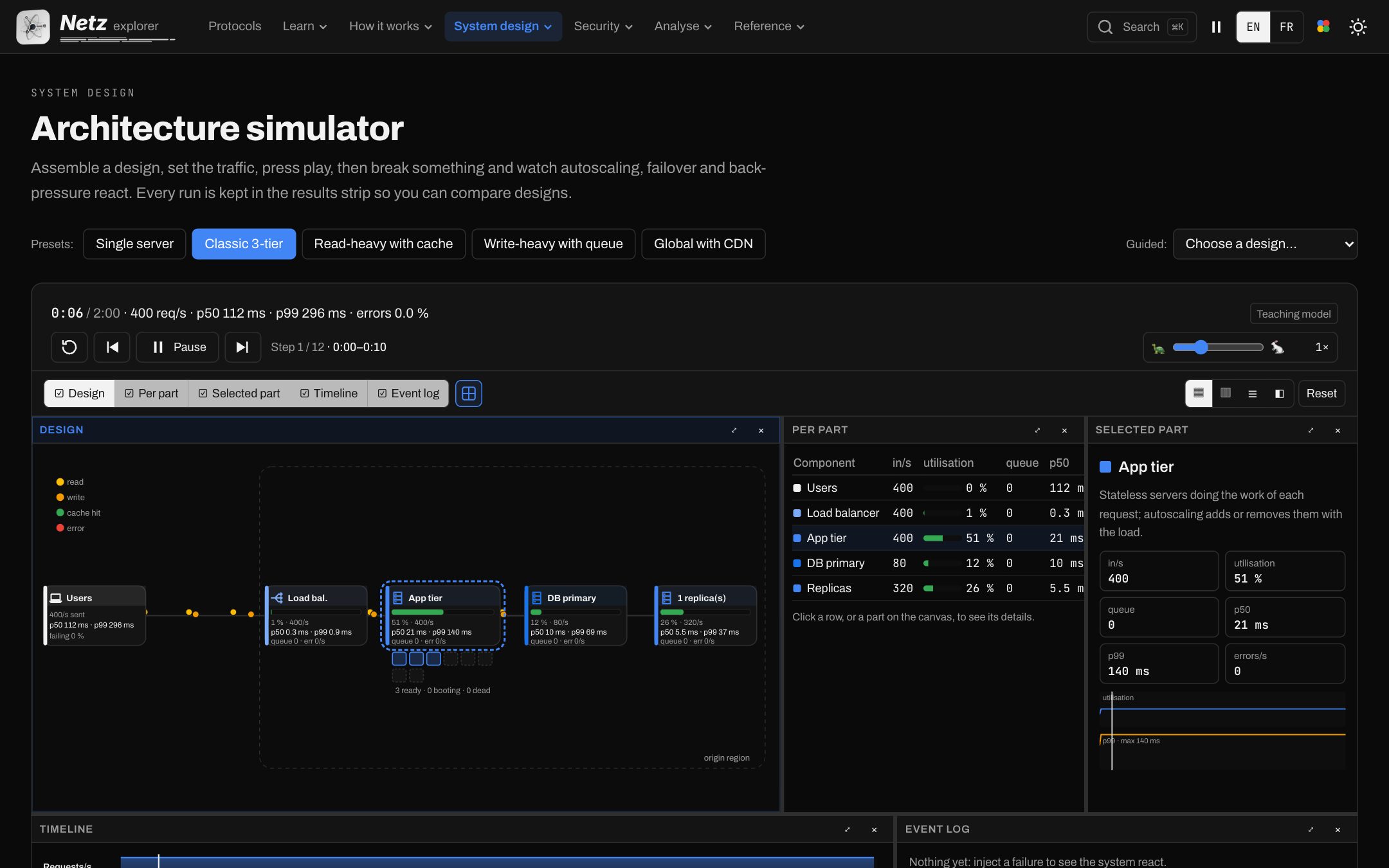
A System design course on the same principle: building blocks, cloud services and strategies, then complete designs, each with an animation made for that idea. Watch it work, then watch it fail.
System designV.05
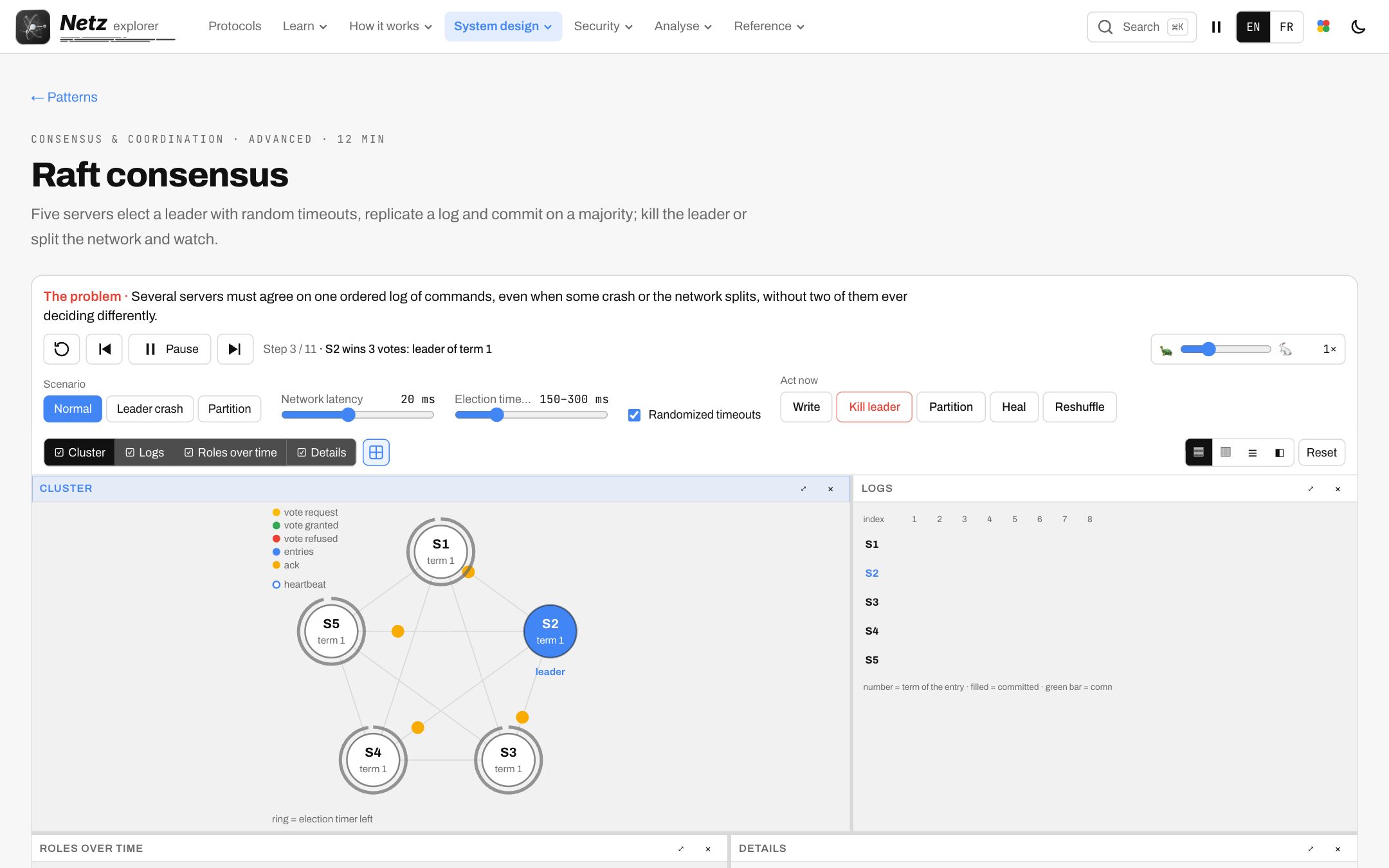
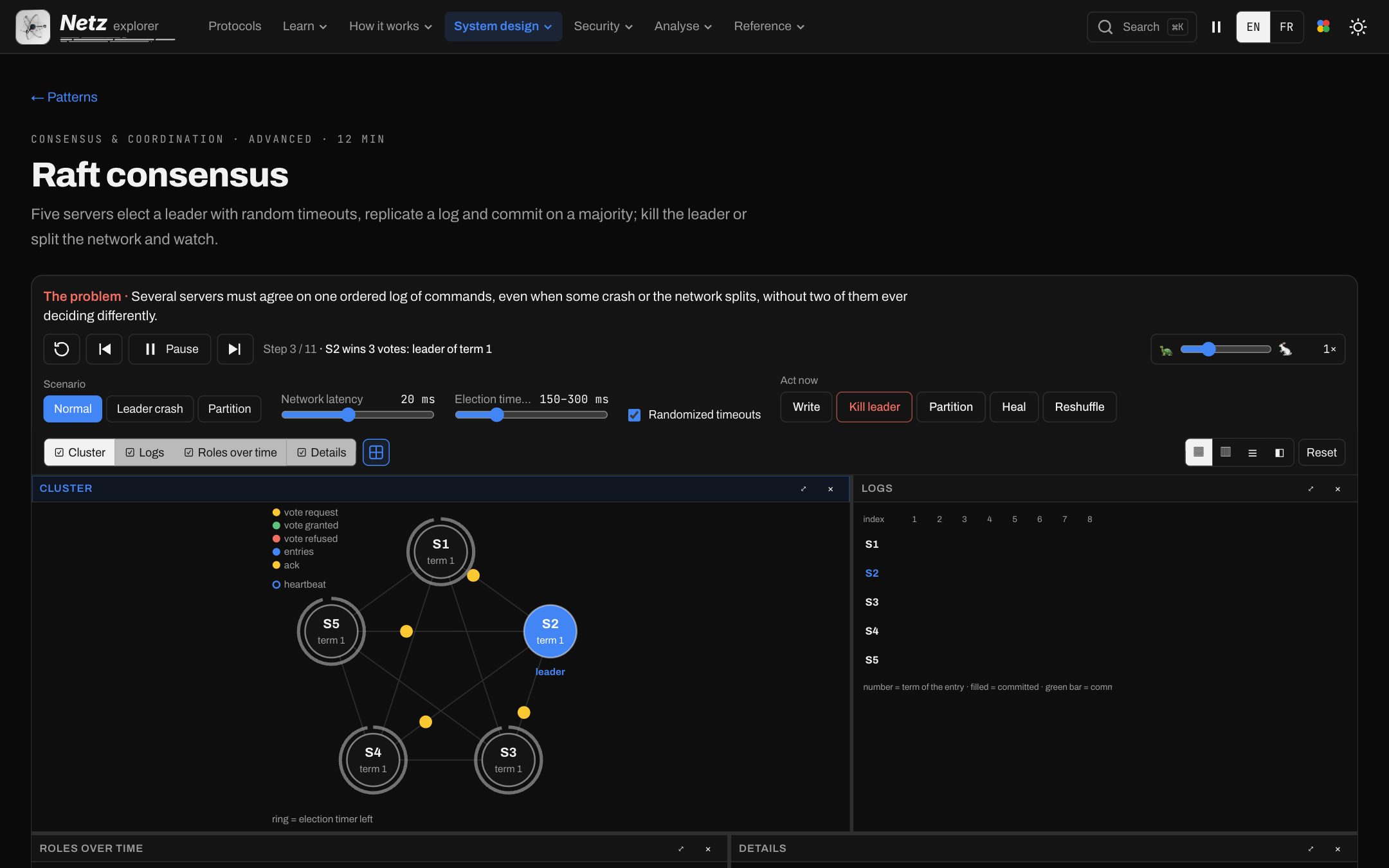
Raft consensus
Five servers elect a leader and replicate a log; kill the leader and watch.
Case studies
- News feed
- Ride hailing
- Payments
- Video pipeline
- Web crawler
- Typeahead
- Collaborative editor
- Exchange
- Ticketing
- Metrics
Patterns
- Raft
- Two-phase commit
- Saga
- Outbox
- Event sourcing
- CRDTs
- Bloom filter
- Sharding
- Backpressure
- Service mesh
- Multi-level cache
- Chaos engineering

See the attack, then the defence.
Attack labs replay what goes wrong on a network and show the control that stops it, with the traffic and the device tables side by side.
S.01
Attack labs
ARP spoofing, rogue DHCP, rogue router adverts and more, replayed safely.
S.02
Defence builder
Each attack beside the control that blocks it and what that control sees.
S.03
Defender’s timeline
A company network, its alerts and its logs, to read like an analyst.
S.04
ATT&CK map
The techniques behind each lab, placed on the framework.
A course, not just a viewer.
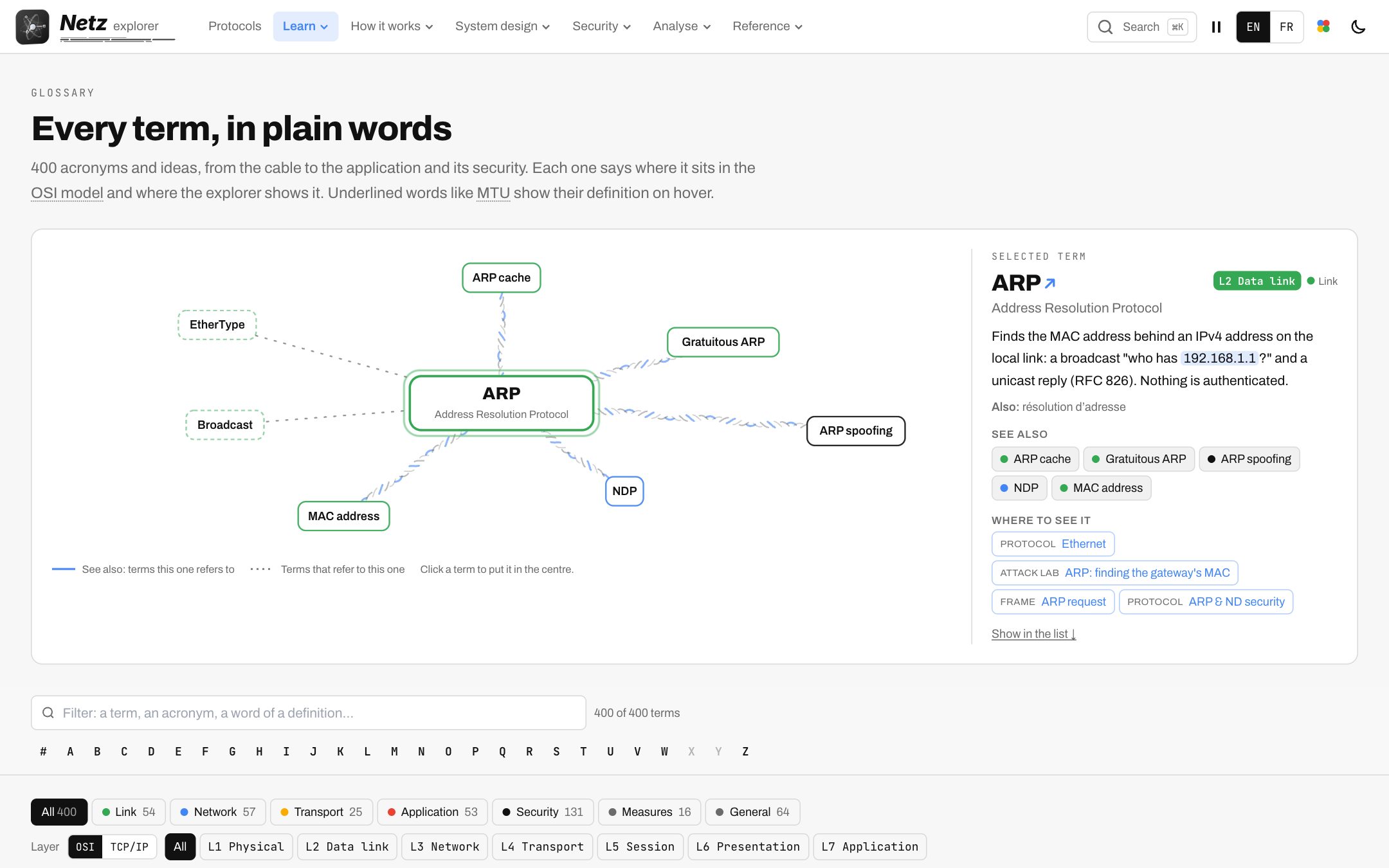
Lessons in order, a glossary where every word links to its page and a search across everything.
01
Lessons
From addresses and frames to routing and encryption, in order.
02
Glossary
400 terms; every underlined word opens the page that explains it.
03
Search
Protocols, pages, terms and designs from one box.
04
English and French
Every page, every control, every hover description.
05
Offline
Opened once, the app keeps working without a connection.
06
Your colours
Light and dark, themes and packet palettes.
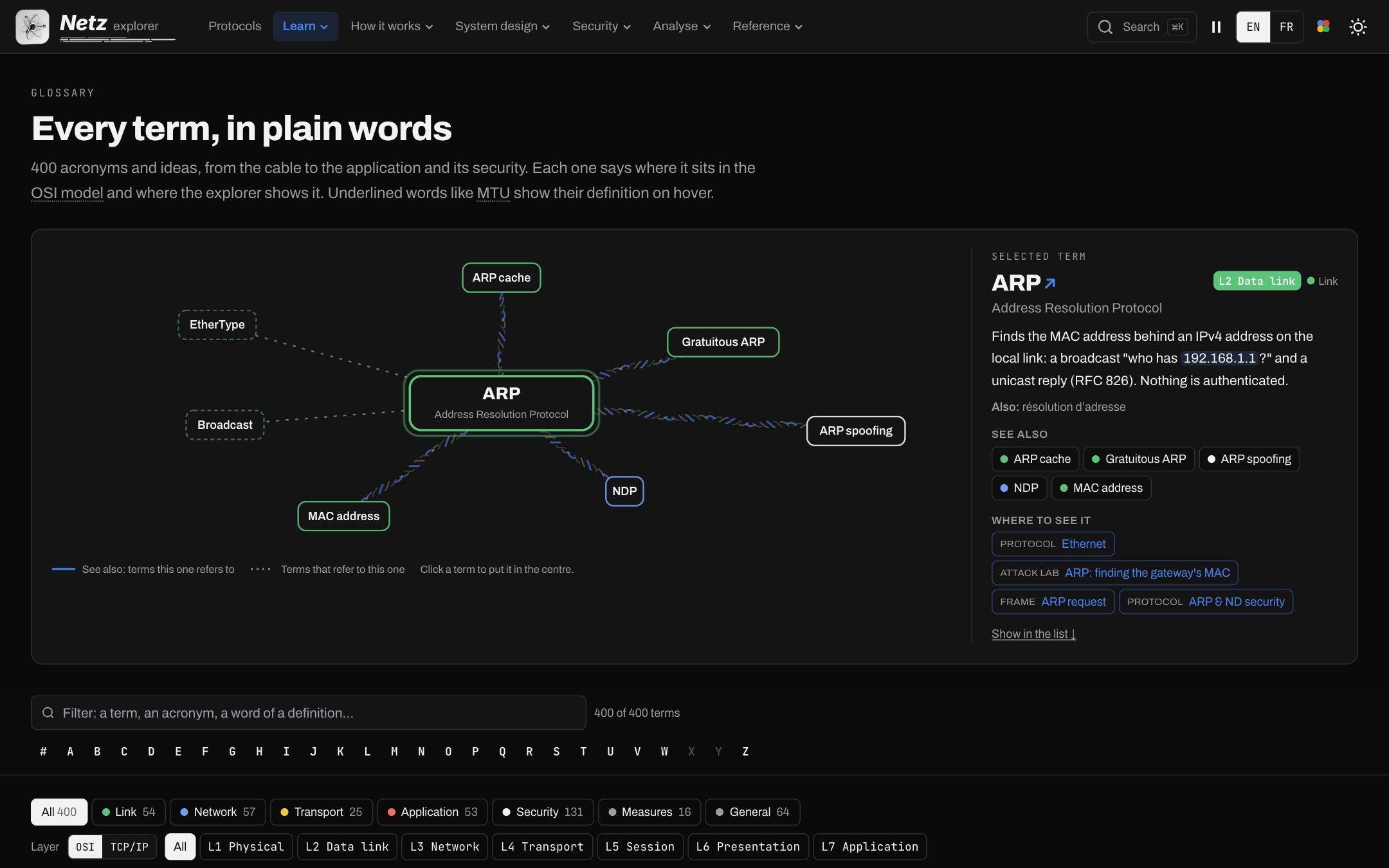
ReferenceV.08
Glossary
400 terms, each linked to the page that explains it.
Open
Your first packet, in seconds.
No account, nothing to install. Open Netz and the first packet is already on its way.